
Every minute of IT helpdesk downtime has a ripple effect across an organisation.
An employee locked out can’t join a client meeting. A salesperson waiting for CRM access loses valuable selling time. A new hire delayed by account provisioning starts their first day frustrated instead of productive.
These aren’t isolated inconveniences, they’re productivity losses that multiply across departments.
Gartner research highlights that the IT service desk is crucial for digital employee experience, with forecasts indicating up to 80% of Level 1 help desk tickets may soon be autonomously resolved by AI. Furthermore, enterprise downtime benchmarks place average costs at $5,600 per minute, escalating past $1 million per hour in large-scale environments. Read the full analysis at Atlassian
That’s why organisations in 2026 are moving beyond traditional ticketing systems and adopting AI agents that don’t just create tickets they resolve problems automatically.

Why IT Helpdesk Downtime Costs More Than You Think
Downtime isn’t limited to complete system outages.
More often, it appears as small interruptions:
- Password resets
- VPN access issues
- Software installation delays
- Email configuration problems
- Device provisioning requests
Individually, these issues seem minor. Collectively, they consume thousands of hours yearly.
The hidden business costs include:
- Lost employee productivity
- Longer onboarding times
- Increased IT workload
- Delayed customer interactions
- Reduced employee satisfaction
- Higher operational costs
Why Traditional ITSM Automation Has Reached Its Limits
Most organizations already rely on traditional help desk software platforms like Jira Service Management, Freshservice, or Zendesk to track user requests. These platforms have significantly improved ticket management. But they weren’t originally designed for autonomous resolution.
Traditional automation typically focuses on:
- Ticket routing
- Categorization
- Priority assignment
- Workflow approvals
- Notifications
These capabilities improve operations but don’t eliminate human involvement.
For example:
An employee requests VPN access.
Traditional automation might:
- Create a ticket.
- Assign it to the correct queue.
- Notify an IT technician.
The employee still waits.
The IT team still performs the work.
The downtime still exists.
What “True Automation” Looks Like in 2026
AI agents represent a different approach.
Instead of optimizing ticket management, they optimize problem resolution.
Modern AI agents can:
- Understand employee intent
- Search enterprise knowledge
- Trigger automated workflows
- Integrate with business systems
- Complete approved actions
- Escalate only when necessary
This shift dramatically changes how employees experience IT support.
Instead of asking:
“Where do I submit a request?”
Employees simply say:
“I need access to Salesforce.”
The AI agent can guide or even complete the process automatically.
Why Organisations Are Investing in AI Agents
The business case for AI has expanded beyond cost savings.
Organizations increasingly expect AI to improve both operational efficiency and employee experience.
Recent 2026 Gartner research indicates support leaders are expanding human agent responsibilities as AI manages routine volumes.
The primary drivers include:
- Faster resolution times
- Lower operational costs
- Improved employee experience
- Better workforce productivity
- Reduced Tier-1 ticket volume
- Scalable support across hybrid workplaces
Rather than replacing IT teams, AI agents remove repetitive work so specialists can focus on more complex technical challenges.
The Biggest Downtime Problems AI Agents Solve
1. Password resets
Password resets remain one of the most common IT requests.
Instead of waiting for an agent, employees can complete secure reset workflows through conversational AI.
Result:
- Faster access
- Fewer tickets
- Less IT workload
2. Software access requests
Employees frequently need access to:
- CRM platforms
- HR systems
- Collaboration tools
- Business applications
AI agents can:
- Verify eligibility
- Trigger approval workflows
- Initiate provisioning
- Confirm completion
The employee stays productive without unnecessary delays.
3. Knowledge-based troubleshooting
Many IT issues already have documented solutions.
The challenge is finding them quickly.
AI agents can search enterprise knowledge sources and provide contextual answers instead of forcing employees to browse lengthy documentation.
4. Device and hardware requests
Whether requesting:
- monitors,
- keyboards,
- laptops, or
- accessories,
AI agents can guide employees through approved procurement workflows automatically.
5. Hybrid workplace support
AI agents provide 24/7 assistance regardless of location, making them particularly valuable for global organizations.
The Shift From Ticket Deflection to Self-Resolution
For years, organisations measured success by reducing ticket volume. Today’s leading organisations focus on something more meaningful: Self-resolution. Instead of preventing tickets from being created, AI helps employees solve problems independently. According to Gartner Peer Insights research, many organisations still identify self-service availability and average handle time as areas needing improvement, despite years of investment in traditional service desks. For teams redefining their support benchmarks, understanding how to measure customer service quality in the AI age is essential, as AI changes self-service from procedural ticket tracking into conversational resolution.
How AI Agents Integrate Across Workplace Systems
One major limitation of older automation tools is that they often operate in isolation.
Modern AI agents work across existing business platforms.
Typical integrations include:
- Microsoft Entra ID (Azure AD)
- Active Directory
- Workday
- ServiceNow
- Jira
- Zendesk
- Freshservice
- Microsoft Teams
- Slack
Instead of switching between multiple applications, employees receive support within the collaboration tools they already use.
The Productivity Benefits Extend Beyond IT
Although IT helpdesks often lead AI adoption, the benefits quickly expand across the organization.
HR
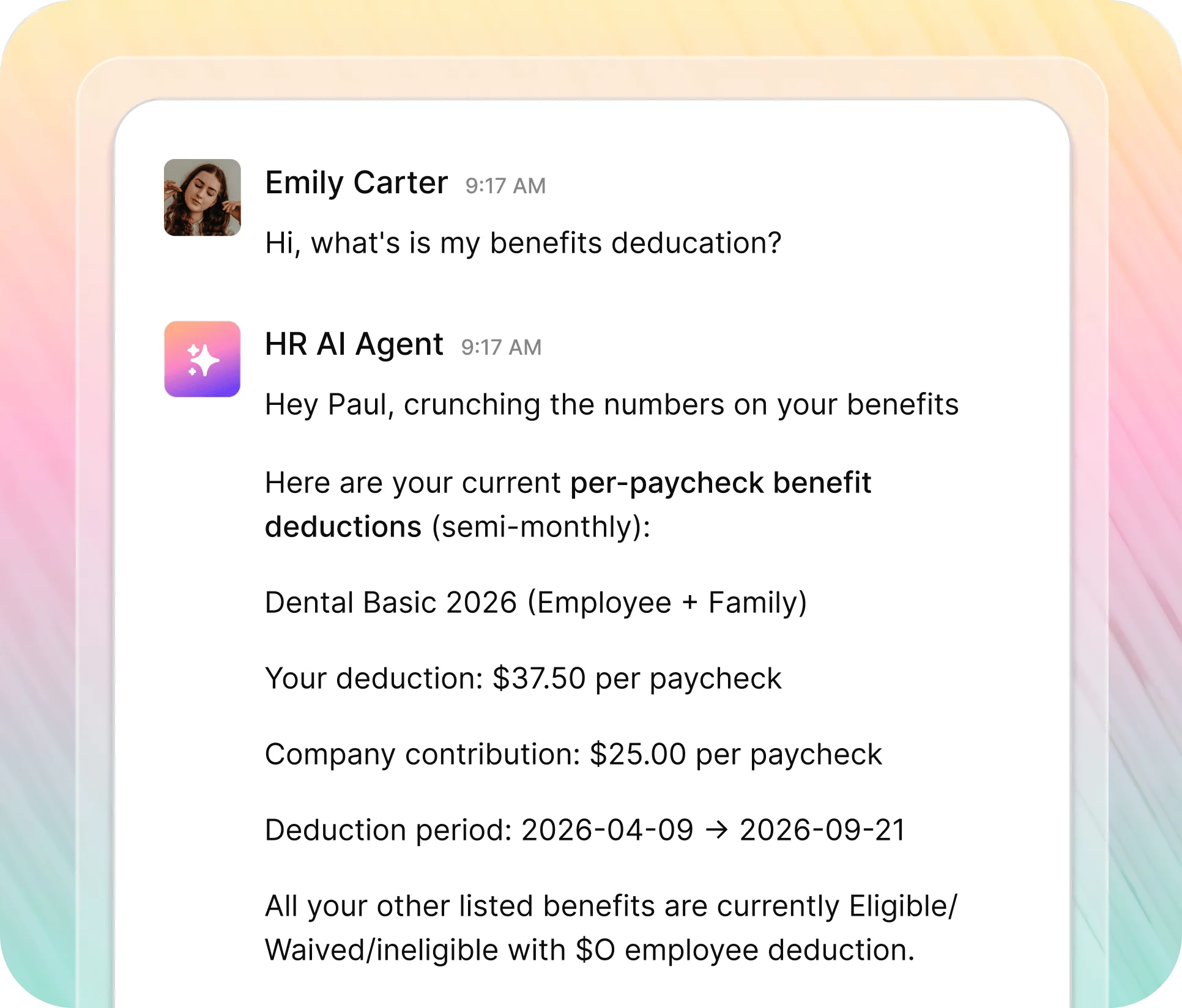
Employees receive faster answers about:
- leave policies,
- payroll,
- benefits,
- onboarding,
- reimbursements.
Organizations exploring an AI Agent for HR principles improving IT support also streamline repetitive HR operations
Finance
Employees can:
- submit expense requests,
- check reimbursement status,
- find policy guidance.
Operations
AI helps automate:
- equipment requests,
- workplace access,
- internal approvals,
- common administrative workflows.
This cross-functional value strengthens the return on investment beyond the IT department alone.
What Successful Organizations Measure
As AI agents become more capable, organizations are shifting toward business-focused metrics instead of purely operational ones.
Common KPIs include:
| Traditional KPI | AI-Era KPI |
| Ticket volume | Self-resolution rate |
| Handle time | Employee productivity |
| Queue size | Time-to-resolution |
| Agent utilization | Workflow completion |
| Escalations | Employee satisfaction |
The goal isn’t simply handling more tickets—it’s preventing unnecessary work altogether. For an in-depth breakdown on setting the right KPIs, read this guide on how to measure customer service quality in the AI age.
How Workativ Enables AI-Powered Workplace Support
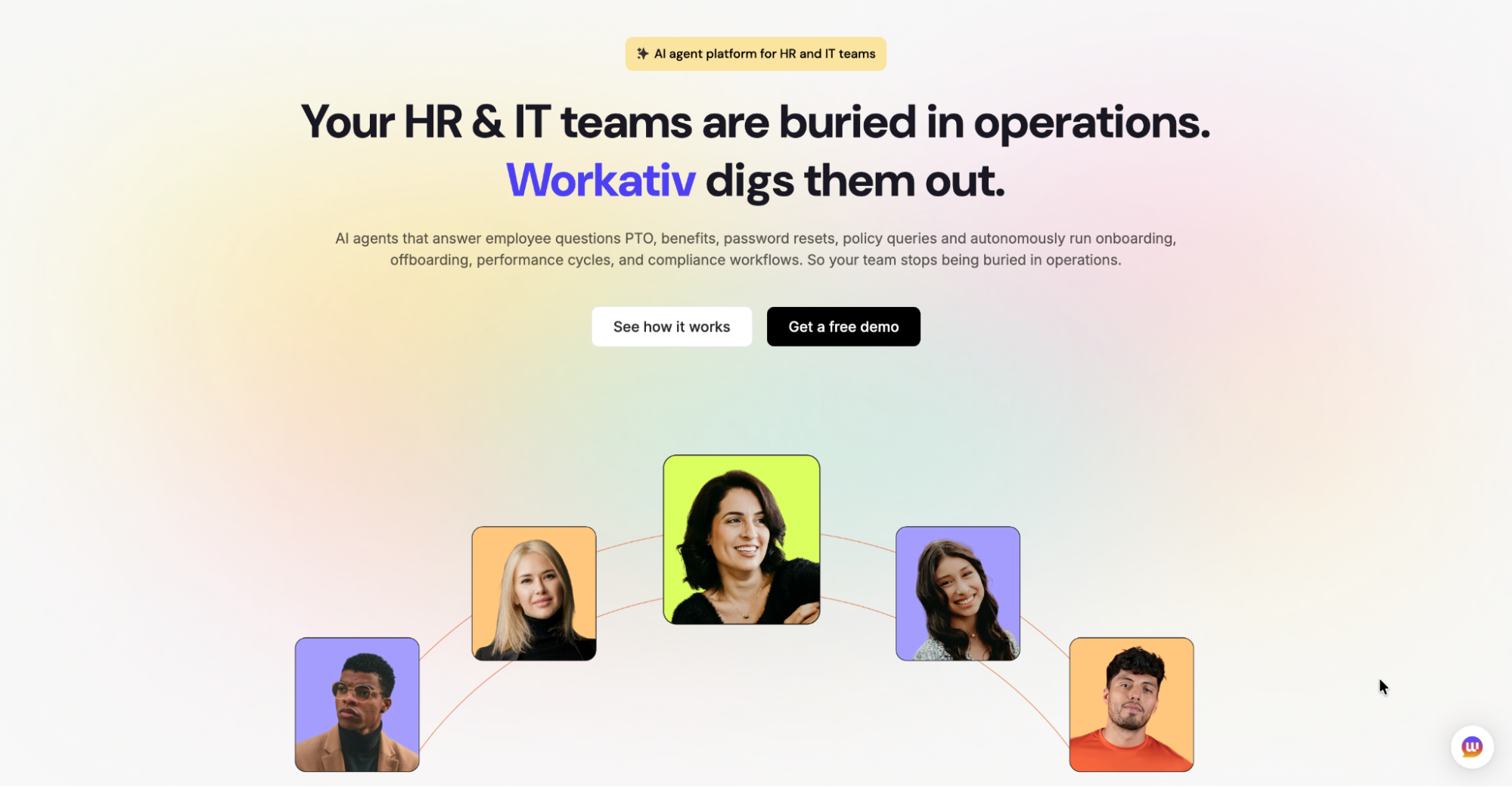
Organizations adopting AI agents need more than a chatbot.
They need conversational intelligence combined with workflow automation and enterprise integrations.
Workativ helps organizations build AI-powered workplace support that enables employees to resolve common requests through natural conversations while connecting seamlessly with existing IT and business systems.
Instead of relying solely on traditional ticket routing, organisations can automate repetitive workflows, enable self-resolution, and create faster support experiences across the workplace.
Frequently Asked Questions
What is an AI agent for IT helpdesk support?
An AI agent is a conversational assistant that can understand employee requests, retrieve knowledge, automate workflows, and resolve common IT issues without requiring manual intervention for every request.
How do AI agents reduce IT downtime?
They automate repetitive requests like password resets, software provisioning, and troubleshooting, allowing employees to regain access faster while reducing IT workload.
Can AI agents work with existing ITSM tools?
Yes. Modern AI agents typically integrate with platforms like ServiceNow, Jira Service Management, Zendesk, Freshservice, Microsoft Teams, Slack, and identity management systems.
What’s the difference between chatbot automation and AI agents?
Traditional chatbots usually provide scripted responses, while AI agents understand context, maintain conversations, search enterprise knowledge, trigger workflows, and complete approved actions.
Why are companies adopting AI agents in 2026?
Organizations are adopting AI agents to improve employee experience, reduce operational costs, accelerate issue resolution, and free IT teams to focus on higher-value work instead of repetitive support requests.