
Most security firms buy their first guard management platform badly. Not because they pick a bad product, but because they evaluate it against the wrong criteria: a feature list, a per-user price, and a demo run by the vendor on the vendor’s own data.
Contract guarding has requirements that generic workforce software does not anticipate. This guide covers what actually separates a system that survives contact with a guarding operation from one that gets abandoned in month four.
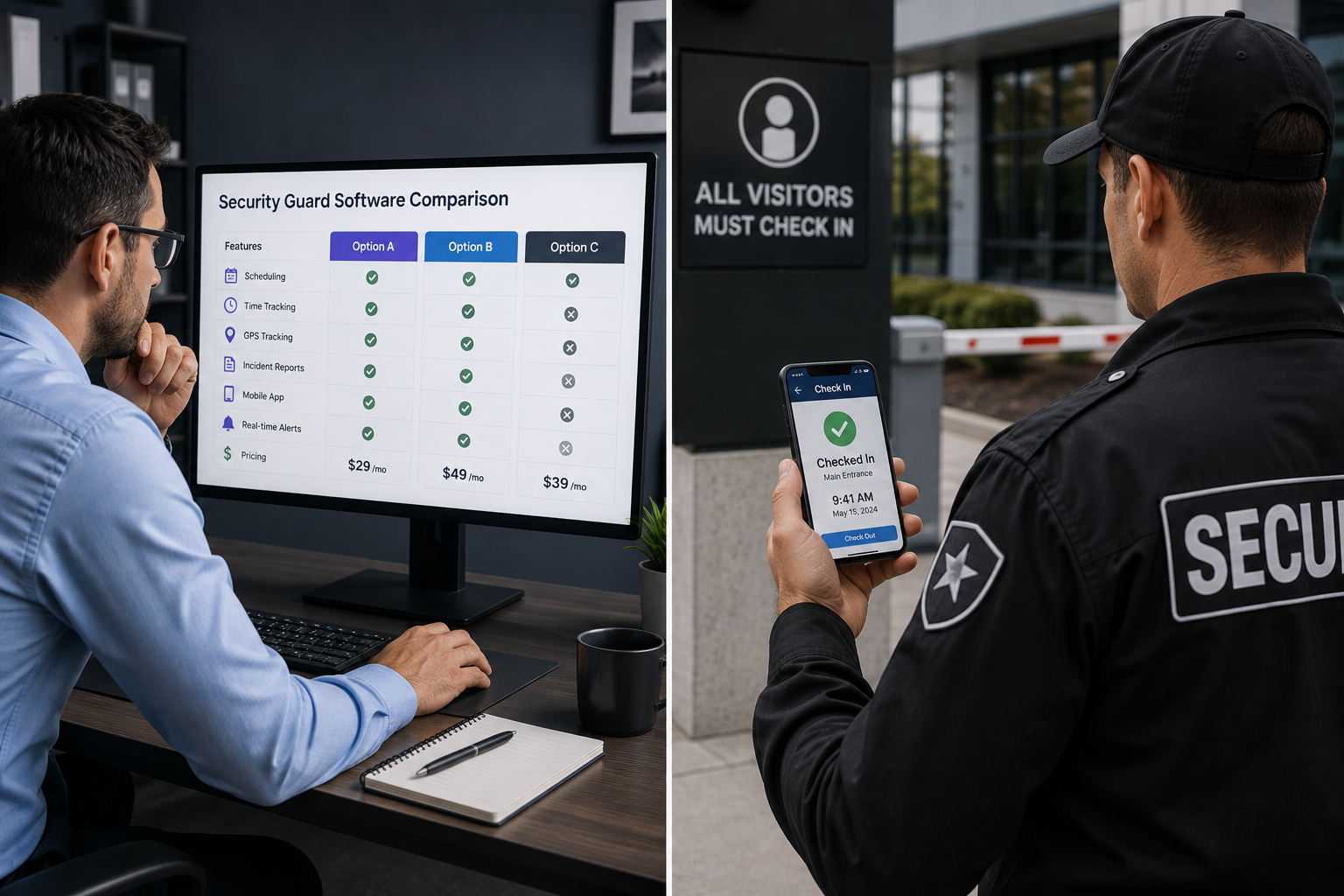
First, decide whether you need a guarding-specific tool at all
There is a real choice here, and the honest answer depends on operation size and complexity.
General workforce management platforms handle scheduling, time tracking and mobile clock-in competently, and often at lower cost. For a firm running a handful of static posts with no armed work and no license complexity, one of them may be sufficient, and CompareCamp’s scheduling software roundup is a reasonable place to survey that category.
Three things push a firm toward guarding-specific software:
License and certification gating. If your officers hold state credentials that expire, and if scheduling an expired officer creates a compliance problem, you need software that knows about credentials. California’s Bureau of Security and Investigative Services registration is one example among many state regimes, and requirements differ by state and between armed and unarmed work. Generic tools store this as a note. Guarding tools use it as a scheduling rule.
Proof of patrol. If clients expect evidence that a site was walked, you need checkpoint scanning tied to the schedule. This is close to universal in mobile patrol and largely absent from general workforce platforms.
Bill rate versus pay rate. Guarding is a margin business where each post has a bill rate to the client and a pay rate to the officer, and they differ by post, by shift and by certification. Software that only models pay rate cannot tell you which contracts are profitable.
If none of those three apply, start with the general category and save the money. Firms whose officers move between sites all shift rather than holding a fixed post may also find the adjacent field tooling relevant, which CompareCamp surveys in its field service management software roundup.
Build the requirements list before you take a demo
Vendors demo their strengths. The only defense is arriving with your own list, drawn from your actual operation rather than from a feature comparison table.
Work through these:
- How many posts, and how many are 24/7 versus intermittent?
- How many officers, and what proportion are part-time or casual?
- Which credentials do you track, and which posts require which?
- How are callouts handled today, and how many hours a week does that consume?
- What does each client currently receive as reporting, and in what format?
- How does payroll get its data now, and where does it go wrong?
That last question is often the most revealing. If payroll disputes are consuming a day a month, the return on accurate time capture alone may justify the purchase, independent of every other feature.
The features that separate the categories
Assume any credible platform handles scheduling, mobile clock-in and basic reporting. These are the differentiators worth testing:
Credential enforcement, not credential storage. Ask specifically: can the system prevent an officer with an expired license from being scheduled or from claiming an open shift? Storing an expiry date is table stakes. Acting on it is not.
Overtime visibility during scheduling. Under the Fair Labor Standards Act, covered non-exempt employees are entitled to overtime at one and a half times the regular rate beyond 40 hours in a workweek. The question is whether the schedule shows projected weekly hours as shifts are assigned, or whether overtime appears in a report after the fact. The first prevents cost. The second documents it.
Geofenced attendance with an audit trail. FLSA recordkeeping requirements cover hours worked and wages paid. Verify what the system retains, for how long, and how easily it exports.
Checkpoint and tour configuration. Can you define different tour routes for different shifts at the same site? Real sites need this and many systems assume one route per location.
Incident reporting your clients will accept. Ask to see a real generated report, not a screenshot. Judge it as your client would.
Client-facing reporting. Be precise about what a vendor means here. Some platforms offer a client login portal; others provide automated branded reports sent to the client. Both are legitimate, they are not the same thing, and vendors are not always careful about the distinction. Ask which one you are buying.
How to compare pricing without being misled
Guard management pricing usually follows one of three models, and they are not straightforwardly comparable.
Per user, per month. Simple, and expensive for guarding, because the industry runs high headcount with significant turnover and a long tail of casual officers who work occasionally. Paying full seat price for someone who worked two shifts last month is how this model hurts. It is worth sizing the seat cost against the wage: the Bureau of Labor Statistics puts median security guard pay at $18.29 an hour across roughly 1.3 million US jobs, so a per-seat fee that looks trivial in isolation is a real percentage of what an occasional officer actually earns you.
Per active user. You pay only for officers actually scheduled in the billing period. This tends to suit guarding’s staffing pattern better. Confirm exactly how the vendor defines “active”, because that definition is the whole price.
Flat tier. Predictable, with cliff edges. Check where the next tier starts and what it costs, because seasonal contract wins can push you over unexpectedly.
Then look past the headline number for setup fees, per-site charges, charges for additional managers or supervisors, data export costs, and contract length. A cheap monthly rate on a twelve-month lock-in is a different product from the same rate month-to-month. Vendors offering self-serve estimates, such as a pricing calculator, make this easier to model than those requiring a sales call for any number at all.
Run the trial properly
Most vendors offer a free trial. Most buyers waste it by having a manager click around the admin panel.
A trial that tells you something looks like this. Pick one real account, ideally a moderately difficult one. Build next week’s actual schedule in the system, including the awkward shifts. Put the mobile app on the phones of three or four real officers and have them clock in and run tours for a full week. Generate the client report you would actually send. Then ask the officers what they thought.
That last step is the one buyers skip and the one that predicts adoption. Officer-facing usability is the single largest determinant of whether a guard management deployment succeeds, because every piece of data in the back office originates from someone tapping a phone at a site entrance at 2am. If they find the app slow, confusing or battery-hungry, they will work around it, and your reporting will quietly become fiction.
Also test support during the trial. File a real question and time the response. Support quality is very difficult to assess from a website and very expensive to discover after signing.
Questions worth asking every vendor
- Can the system block scheduling of an officer whose certification has lapsed?
- Does the schedule show projected overtime before shifts are confirmed?
- Can we configure different tour routes per shift at one site?
- Exactly what do clients receive, and is it a portal or a report?
- How is “active user” defined for billing?
- What is the contract term, and what does cancellation involve?
- How long does implementation take, and who does the data migration?
- Can we export all our data, in what format, at what cost?
Red flags
Be cautious with vendors who will not quote a price without a sales call, who cannot produce a real sample client report, who describe automated reports as a client portal, who require an annual commitment before you have run a trial, or who cannot answer the credential-gating question directly.
Making the decision
The right platform is the one that handles your specific compliance requirements, prices sensibly against your staffing pattern, and that your officers will actually use. Feature count is close to irrelevant beyond a baseline; most firms use a fraction of what they buy. Smaller operations should also weigh whether a guard platform is the right first software purchase at all, or whether broader operational tooling matters more at this stage; CompareCamp’s small business management software roundup covers that ground.
Shortlist two or three, including at least one general workforce platform if your license requirements are light and at least one security guard management specialist if they are not. Run a real trial on a real account with real officers. Then decide on what you observed rather than what you were shown.