
Small businesses face a tough reality: customers want more variety, better prices, and faster delivery — all under one roof. A single-vendor store, no matter how well-run, struggles to match the product depth of Amazon, Etsy, or eBay.
But what if you became the marketplace instead of competing with it?
The multi-vendor marketplace model lets you host dozens — or even thousands — of sellers under your brand. You manage the platform. Vendors bring the products. You earn a cut of every sale without touching inventory.
This guide covers everything you need to build, launch, and scale a multi-vendor marketplace — from choosing your business model to picking the right tools for the job.
What Is a Multi-Vendor Marketplace?
A multi-vendor marketplace is an ecommerce platform where multiple independent sellers list and sell products under one storefront. The marketplace owner handles the platform, payments, and customer experience — while vendors manage their own inventory and fulfillment.
Think of it this way:
- Amazon = marketplace owner + millions of third-party sellers
- Etsy = platform owner + independent artisans and makers
- eBay = platform owner + individual and business sellers
The marketplace owner earns revenue through commissions, subscription fees, listing charges, or a combination of all three.
Why Multi-Vendor Marketplaces Dominate in 2026
The numbers tell the story.
Online marketplaces generated 83.4% of global eCommerce GMV in 2025, with that share projected to reach 87% in 2026.
The global digital marketplace market was valued at $580 billion in 2024 and is on track to hit $1.06 trillion by 2030 at a CAGR of 10.6%.
Why is this happening? Three core reasons:
- Network effects — More sellers attract more buyers, which attracts more sellers.
- Product depth — Customers find everything in one place.
- Lower risk — Vendors own the inventory. You own the platform.
For small businesses, this model means you can scale your product catalog without scaling your warehouse.
How Does a Multi-Vendor Marketplace Work?
Here’s the basic flow:
- Vendor registers on your platform
- Admin approves the vendor and sets commission rules
- Vendor lists products via a dedicated dashboard
- Customer places an order through your storefront
- Vendor fulfills the order
- Marketplace takes a commission; vendor receives the rest
- Payouts are processed automatically on a schedule
The marketplace owner controls branding, payment gateways, and platform rules — while vendors operate their mini-stores within your ecosystem.
Single Vendor vs. Multi-Vendor vs. Dropshipping
| Feature | Single Vendor | Multi-Vendor Marketplace | Dropshipping |
| Who sells? | You only | Multiple vendors | You (via supplier) |
| Who holds inventory? | You | Vendors | Supplier |
| Revenue source | Product sales | Commissions + fees | Product margins |
| Scalability | Limited | High | Medium |
| Brand control | Full | Shared | Full |
Bottom line: If your goal is rapid scale without managing a massive inventory operation, the multi-vendor model offers the strongest long-term growth path.
Marketplace Revenue Models: How You Make Money
Commission-Based: You earn a percentage of every sale. Amazon charges third-party sellers 6–45% depending on the category — the most common model used today.
Subscription / Membership Fee: Vendors pay a monthly or annual fee to list products. This creates predictable revenue, even during slow months.
Listing Fees: Sellers pay per product listing. Etsy charges $0.20 per listing — a simple and scalable approach.
Hybrid Model: Most mature marketplaces combine all three methods to maximize revenue while keeping individual costs manageable for vendors.
Best WordPress Multi-Vendor Plugins in 2026
WordPress powers 40%+ of all websites. Combined with WooCommerce, it’s the most widely used stack for building a custom multi-vendor marketplace. Here’s a look at the leading plugin options available today.
1. StoreEngine
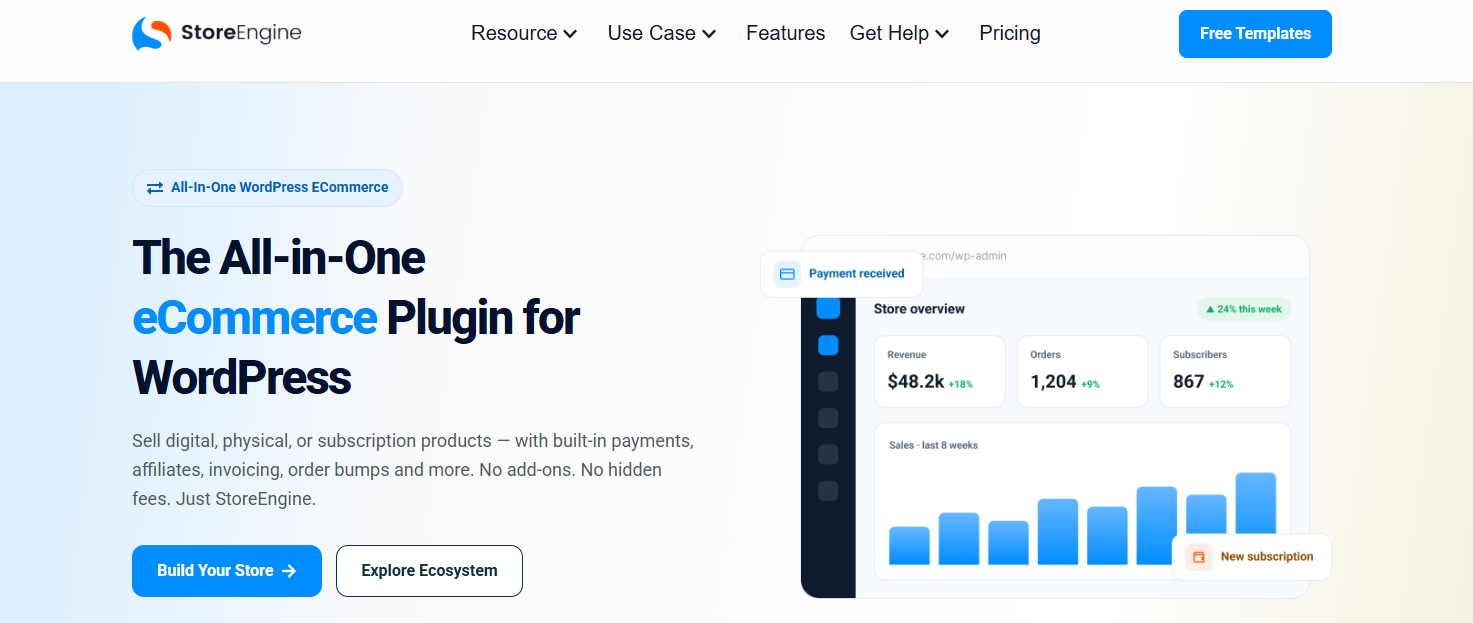
StoreEngine is a powerful eCommerce plugin built for stores that demand more than basic vendor management. Whether you’re running an online store, a physical location, or both at once, StoreEngine brings everything under one roof.
Manage multi-location inventory with full cost and profit visibility, handle supplier relationships and purchase orders, process returns and RMAs, and coordinate couriers — all without switching between tools. The built-in POS terminal means your in-store and online operations stay perfectly in sync.
For operators managing a mix of owned inventory and vendor products, StoreEngine’s vendor management features are designed around real workflows — not just checkboxes.
Best for: Marketplace operators who need inventory depth, POS integration, and logistics tooling alongside vendor management.
2. Dokan

Dokan is one of the most established multi-vendor plugins available, trusted by 60,000+ marketplaces worldwide. It offers a beginner-friendly frontend vendor dashboard, flexible commission structures (percentage, flat rate, or combined), and support for physical, digital, and service-based products.
The free version covers basic vendor setup. Premium plans unlock zone-based shipping, subscription vendor packages, follow-store features, and live chat between customers and vendors. Dokan also has a large ecosystem of add-ons for specific use cases like wholesale, subscriptions, and auction-style listings.
Best for: Beginners and growing marketplaces looking for a proven plugin with a large support community.
3. WC Vendors
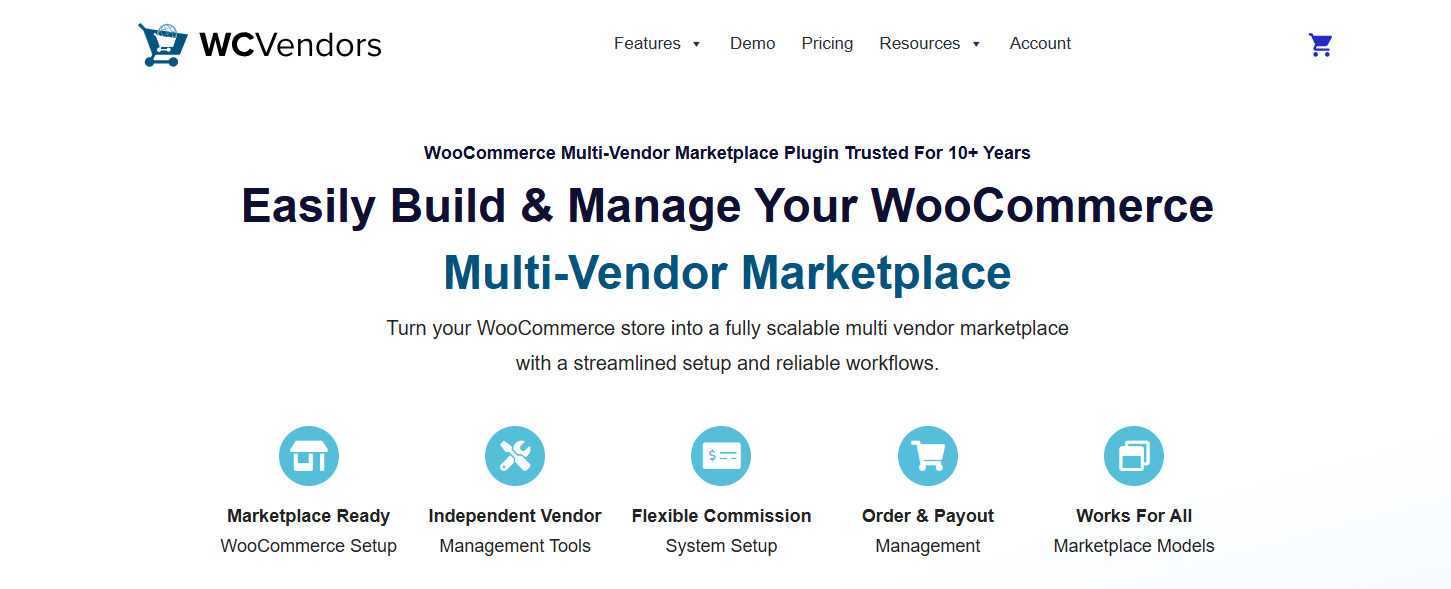
WC Vendors has been around since 2013 and powers 10,000+ active marketplaces with 750,000+ total downloads. It supports all five major commission structures — percentage, flat, tiered, category-based, and product-specific — giving admins fine-grained control over vendor earnings.
The Pro version includes built-in Stripe Connect for automated vendor payouts, starting at $99.50/year. WC Vendors is particularly strong for marketplaces that need detailed payout customization without relying on third-party payment plugins.
Best for: Marketplace owners who want precise commission control and straightforward Stripe-powered payouts.
4. WCFM Marketplace
WCFM Marketplace has 10,000+ active installs and a 4.98/5 rating on WordPress.org — making it one of the highest-rated options in the space. One of its standout qualities is the feature-rich free tier, which includes full frontend management capabilities for both admins and vendors.
Its vendor dashboard is highly detailed, covering product management, order tracking, inquiry handling, shipping zone setup, and more. WCFM also integrates well with other WooCommerce plugins, making it a flexible choice for stores with complex product setups.
Best for: Cost-conscious marketplace owners who want a feature-packed free option with strong community support.
5. MultiVendorX
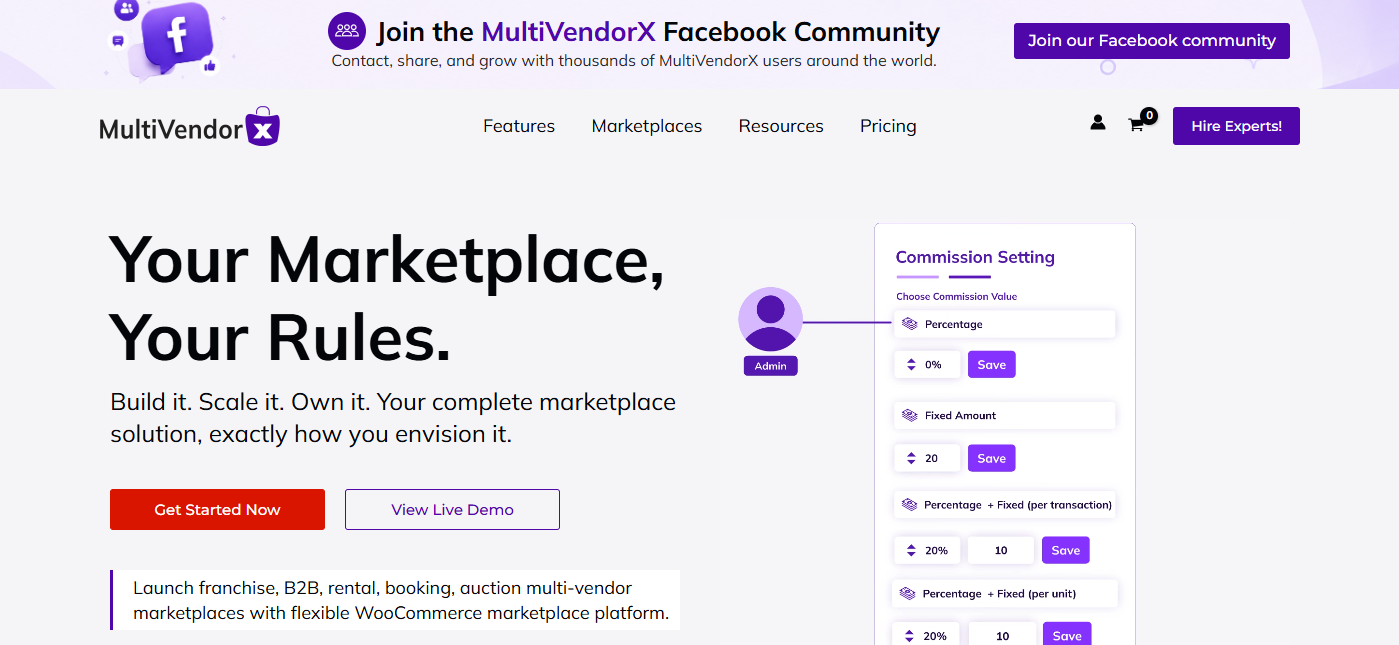
MultiVendorX is an AI-powered marketplace plugin built specifically for WooCommerce. It includes smart vendor scoring, performance analytics, and automated workflows that reduce manual admin overhead. It’s particularly strong for rental and booking-based marketplaces, with dedicated modules for those use cases.
MultiVendorX supports a modular setup, so you can activate only the features you need. This keeps your store lean while giving you the option to scale capabilities as your marketplace grows.
Best for: Tech-forward marketplace operators and those running rental, booking, or niche product categories.
Plugin Comparison at a Glance
| Plugin | Starting Price | Best For |
| StoreEngine | Free / Paid plans | Inventory-heavy & POS-integrated stores |
| Dokan | Free / Paid plans | Beginners and general marketplaces |
| WC Vendors | $99.50/year | Detailed payout and commission control |
| WCFM Marketplace | Free / Paid plans | Feature-rich free option |
| MultiVendorX | Free / Paid plans | AI-driven or niche/booking marketplaces |
How to Build a Multi-Vendor Marketplace: Step-by-Step
- Choose your platform — WordPress + WooCommerce for flexibility and full ownership
- Install a marketplace plugin — Choose based on your revenue model and vendor needs
- Configure vendor registration — Manual approval recommended for quality control
- Set commission rules — Global rate with per-vendor or per-category overrides
- Enable vendor dashboards — Frontend dashboards keep vendors out of your WP admin
- Configure payments and payouts — Stripe or PayPal with automated payout schedules
- Structure product categories — Clean taxonomy before vendors start listing
- Launch and recruit vendors — Start with 10–20 curated vendors; quality over quantity
Common Mistakes to Avoid
- Launching without enough vendors — An empty marketplace converts nobody. Recruit vendors before going public.
- No quality control — Low-quality listings destroy buyer trust fast. Set listing standards and enforce them from day one.
- Ignoring mobile — Mobile drives 59% of online retail sales in 2025. A marketplace that isn’t mobile-first is leaving significant revenue on the table.
- Unclear payout schedules — Vendors won’t stay on a platform they don’t trust. Communicate payout terms clearly and pay on time, every time.
Future Trends Shaping Marketplaces in 2026–2027
- AI-Driven Vendor Management — AI is being used to automate performance scoring, detect fraudulent listings, and personalize product recommendations — reducing admin workload while improving the buyer experience.
- Niche Marketplaces Are Winning — Hyper-specialized platforms focused on sustainable goods, local artisans, or B2B industrial supply are increasingly outperforming generic “sell everything” marketplaces.
- Omnichannel Commerce — The line between online and offline is blurring. Marketplace operators who can integrate their POS with their online storefront will have a meaningful competitive edge.
- Creator-Led Marketplaces — Social commerce is merging with the multi-vendor model. Influencers and content creators curate vendor selections, driving high-intent traffic from engaged audiences.
Frequently Asked Questions
- What is a multi-vendor marketplace? An ecommerce platform where multiple independent sellers list and sell products through a shared storefront managed by one platform owner.
- Which platform is best for a multi-vendor marketplace? WordPress + WooCommerce offers the most flexibility and lowest long-term cost. SaaS alternatives exist but typically come with higher fees and less customization.
- How do vendors get paid in a marketplace? Via automated payouts through Stripe Connect or PayPal. Commission percentages are deducted automatically before disbursement on a weekly or monthly schedule.
- How much does it cost to build a marketplace website? A basic WordPress marketplace runs $200–$500/year in plugin and hosting costs. Premium setups with custom development can range from $1,000–$10,000+.
- Can small businesses create a marketplace? Absolutely. The technology is accessible and more affordable than ever. The real challenge is vendor recruitment and marketing — not the technical setup.
- Is a multi-vendor marketplace profitable? Yes. You earn on every transaction without holding inventory. Profitability depends on commission rates, transaction volume, and how well you manage operational costs.
Conclusion: Build the Platform, Not Just the Store
The future of ecommerce belongs to marketplaces — not single-product stores trying to compete on every front alone.
Building a multi-vendor marketplace lets you scale your catalog, generate recurring commission revenue, and create a brand that grows with every new vendor you add. The technical barriers are lower than ever. The market opportunity is larger than ever.
The plugin you choose will depend on your specific business model, the types of vendors you plan to attract, and how much operational complexity you need to manage. Whether you prioritize a feature-rich free tier, precise commission control, or deep inventory and logistics tooling — there’s a well-supported option built for your use case.
Start small, recruit quality vendors, and iterate as your marketplace grows.